Traffic alerts
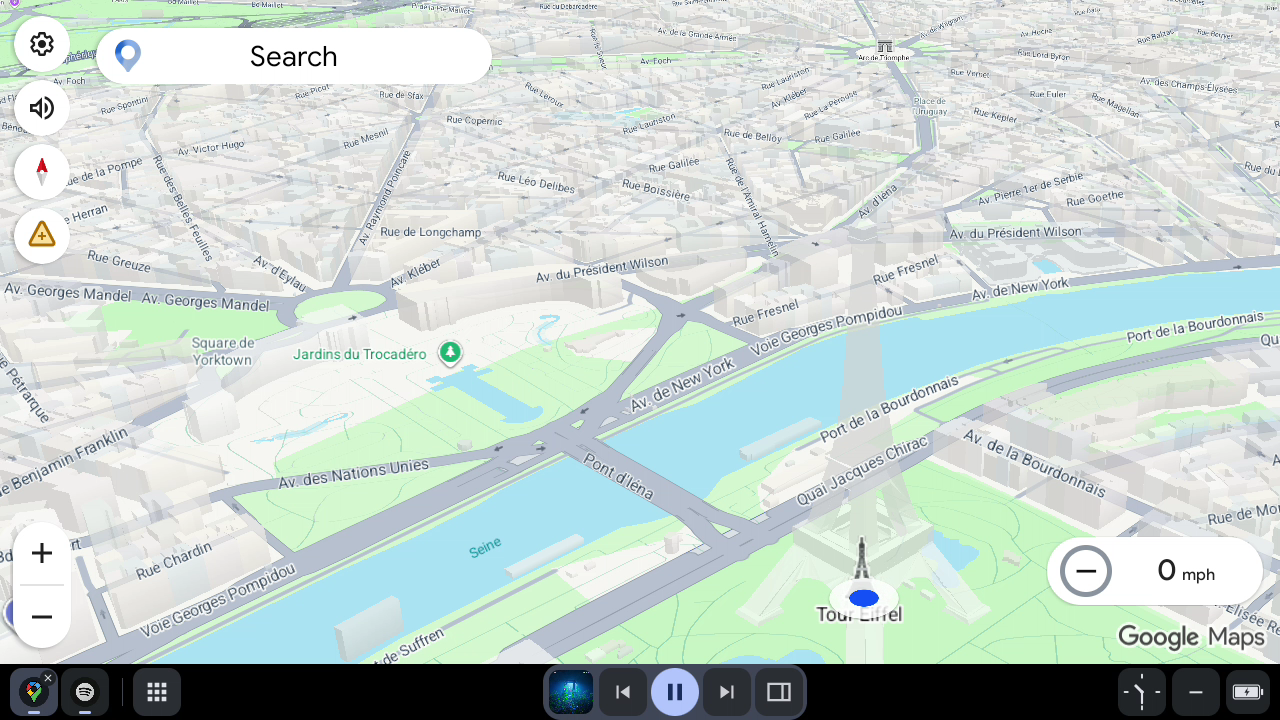
Emulator location shown for illustration; no alert is active in this capture. The taskbar player shown is from before 2.7.
Supported map and alert-source combinations can share traffic information:
- Patched De-Waze or patched Flitsmeister runs on the phone as an alert backend.
- Patched Vela Maps or patched Ungoogled Maps receives what the backend sees: current speed, speed limits, road warnings and average-speed-zone progress.
- Supported maps can show speed, limit, zone and warning information. Warning cards and spoken backend alerts in the car are experimental.
- Auto start included. Selecting De-Waze or Flitsmeister as the map's alert source can start the backend in the background.
One-time setup: give the backend location access (De-Waze wants Allow all the time; Flitsmeister works with while in use), then pick it under Speed and road alerts in Vela Maps or Waze & external data source in Ungoogled Maps.
To hear navigation in DriveDeck's own voice, turn on Use the system voice for navigation in the map or backend app and select DriveDeck as the system text-to-speech engine.
Known limits, stated plainly: warning cards and spoken backend alerts during car navigation are experimental, and native Flitsmeister warning audio is still in development.