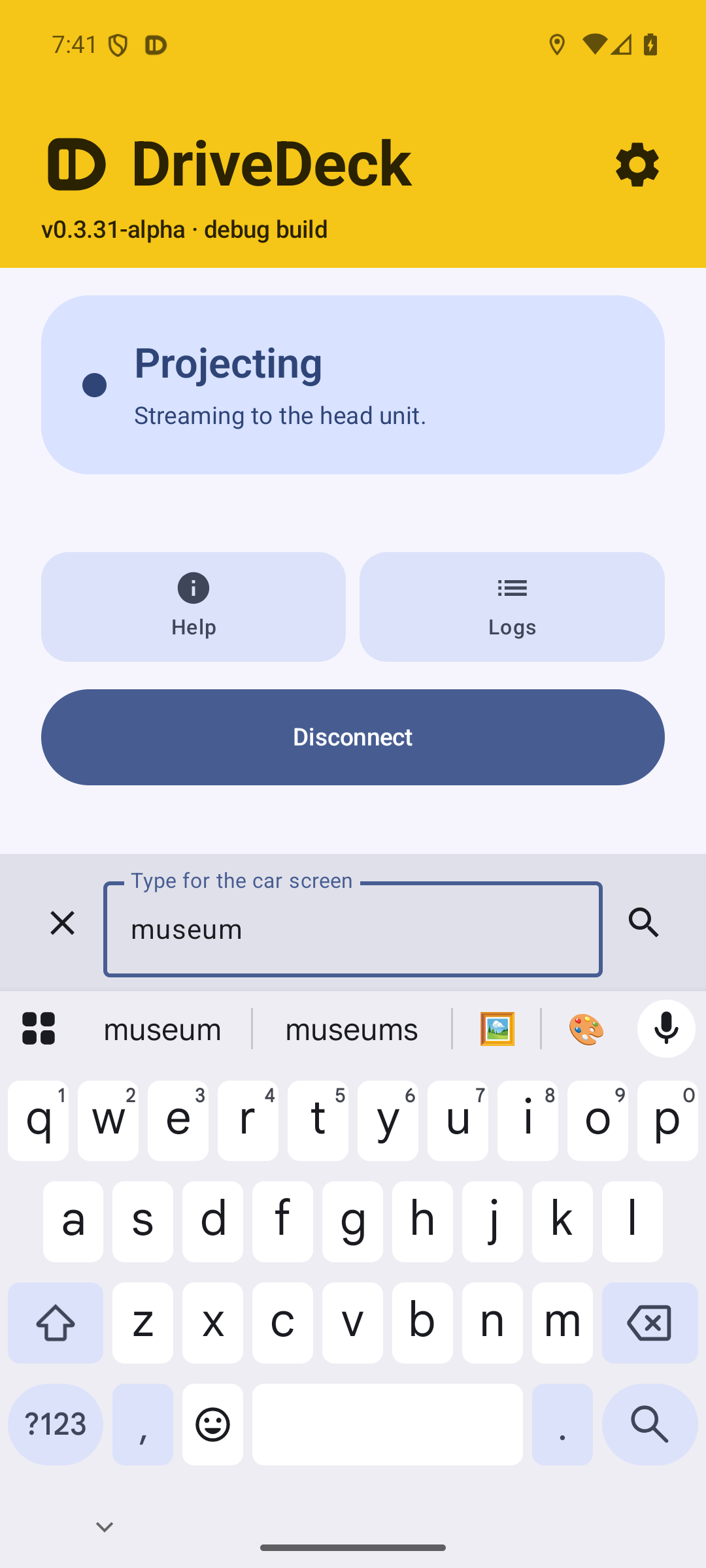
Type on the car screen
Pick the keyboard for the car in Settings → Car screen: DriveDeck's keyboard, the same keyboard as the phone, or any keyboard you have enabled — Gboard with its own voice typing included. It shows only on phones that support it.
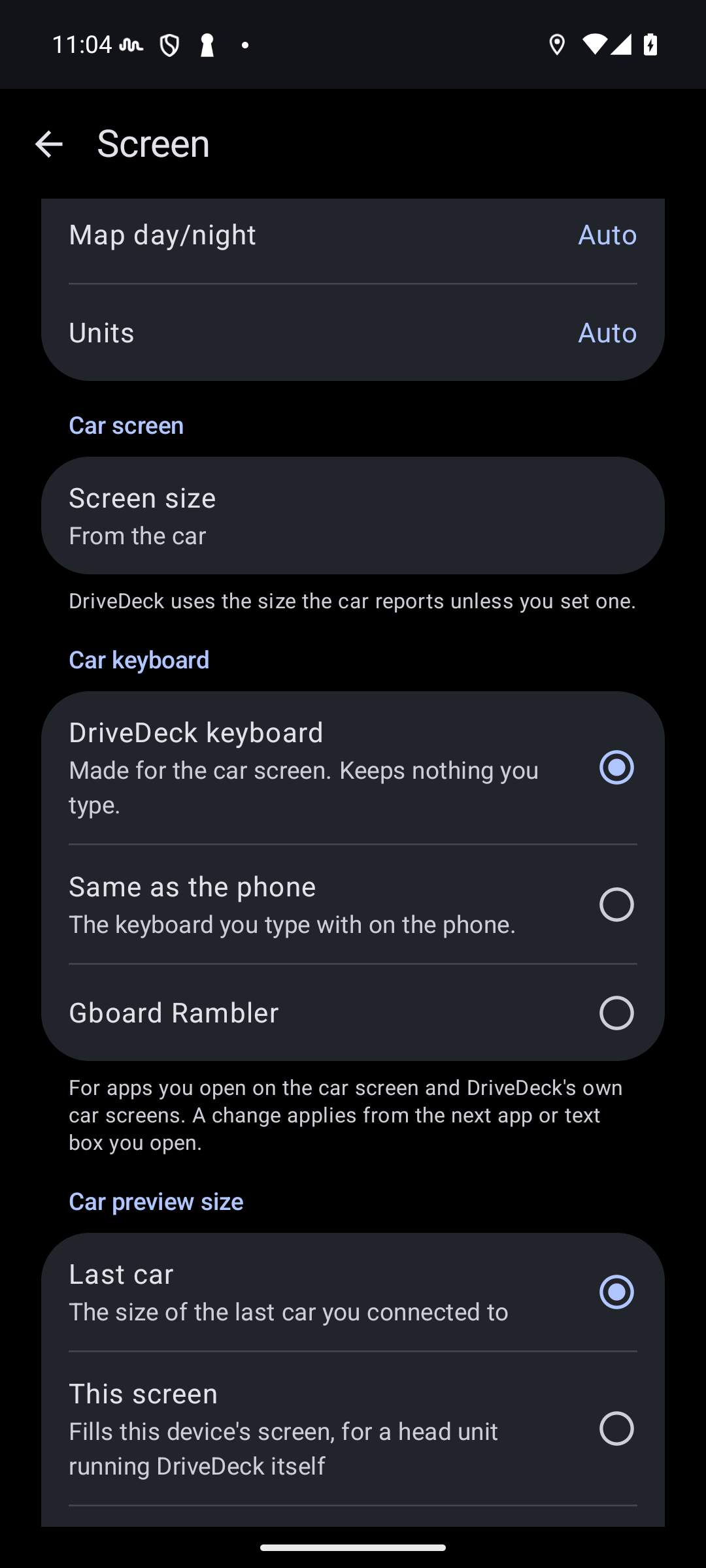
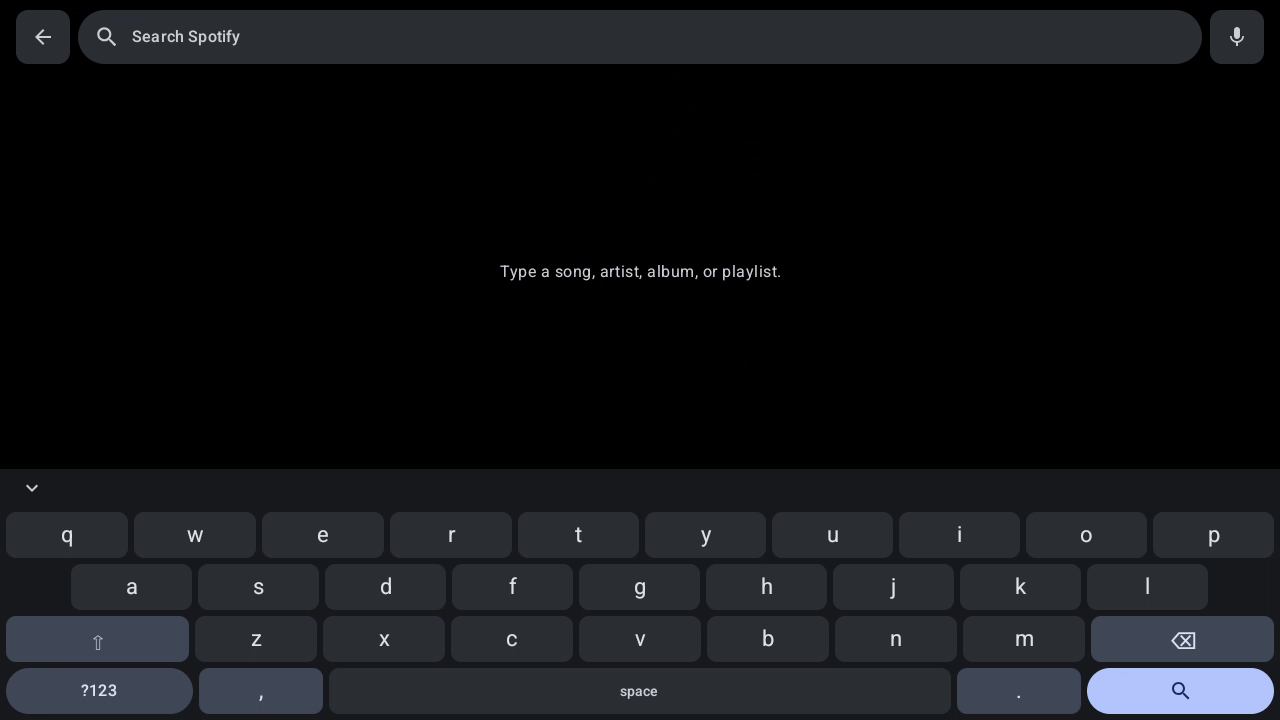
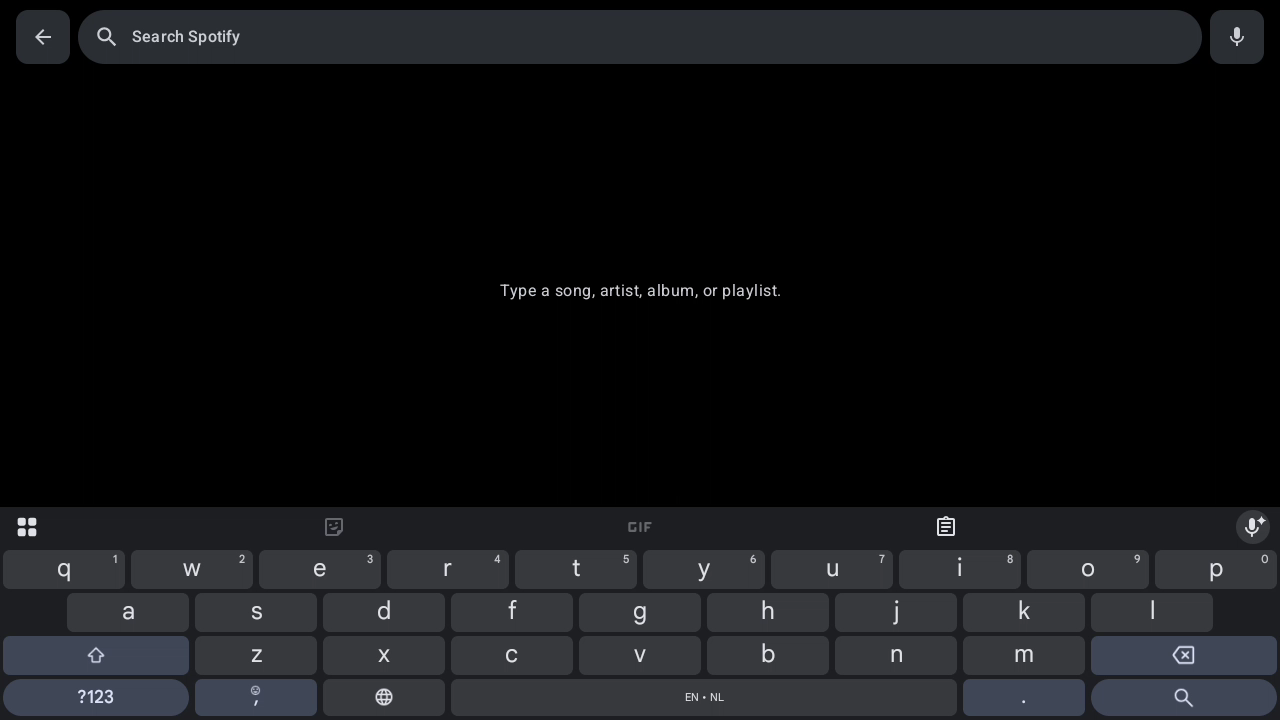
DriveDeck's keyboard is built for the car:
- Compact on taller screens, with a hide button and the screen's best matches — places and contacts — one tap away above the keys. On displays under 500 px high, the keys grow to make better use of the available height while leaving room for the field and results.
- Comma and full stop beside the space bar, and each sentence of a message reply starts with a capital.
- On supported phones, apps you open while parked use the car keyboard while the phone keeps its own. When the speech model is ready and the field permits it, the microphone key types what you say using the car's microphone and on-phone recognition.
- On wide, low car screens the keys size themselves to the part of the screen you can see.
For a parked app, a changed keyboard choice applies the next time that app is opened on the car display. A side taskbar stays on screen while you type.
Type on the phone
For a DriveDeck car screen with an open text field, a passenger can type on the phone instead. Open the DriveDeck phone app while the car field is open: it shows the same field and offers the phone's keyboard. Edits are reflected in the car field, and the phone's submit control sends the same search or entry action. Closing the phone field also closes the car keyboard where that screen allows it.
This is separate from Same as the phone, which chooses a keyboard to display on the car. The phone field mirrors DriveDeck-hosted text entry; keyboard behavior inside a parked app depends on that app and Android's input-method support.