ADB, permissions and DriveDeck
Android Debug Bridge (ADB) is a debugging interface for a device. Shizuku can start a service with the privileges of the debugging shell, and an authorized app can ask it to perform operations supported by that service. That is different from root: shell privileges are limited by Android and the device's policy.
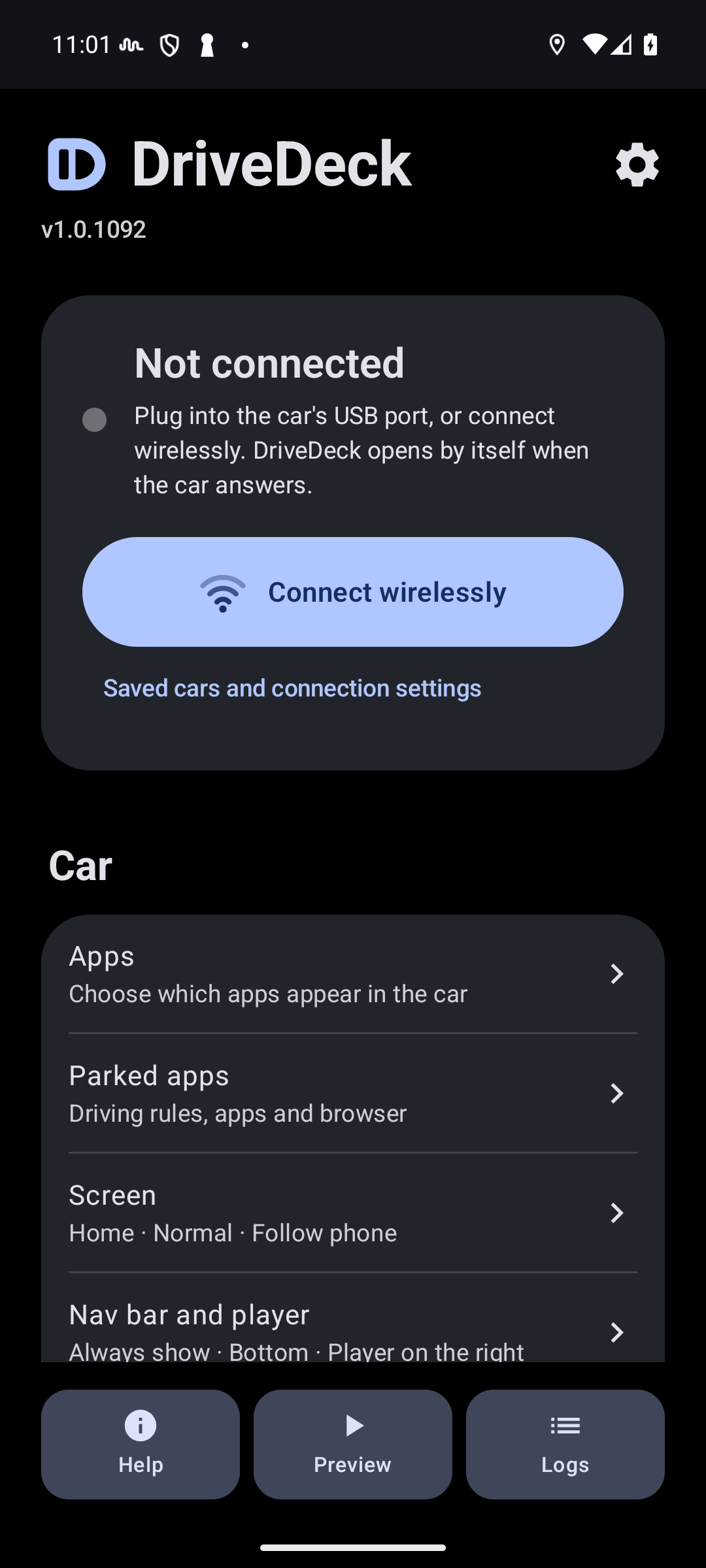
DriveDeck's setup helper accepts fixed, feature-scoped requests. Its source constructs arguments for known permissions and validates the package and user identifiers; it does not accept arbitrary shell text from an app. For most drivers the setup screens perform and verify these operations automatically. Android may still require its own prompt.
Inspect an attached device
The following commands run on a computer with Android platform tools, after you have authorized debugging on the intended device. Replace SERIAL with the exact device from adb devices -l; this matters when multiple phones or emulators are connected. These examples inspect state only.
adb devices -l
adb -s SERIAL shell pm list users
adb -s SERIAL shell dumpsys package app.johninnl.drivedeck
adb -s SERIAL shell dumpsys notification
The stable package is app.johninnl.drivedeck; a development build uses a different package. dumpsys output can contain sensitive identifiers and notification information: review it before sharing.
The adb shell commands above use the computer's debugging connection. They can help inspect
Android's state, but they do not prove that Shizuku is running or that DriveDeck has been
authorized in Shizuku. Check those separately in the Shizuku app. Likewise, a Shizuku grant
does not automatically grant every Android permission requested by DriveDeck or another app.
Examples of operations used during setup
The actual helper builds commands as argument arrays for the selected Android user. The examples explain their effect; they are not a required setup script. A grant can fail when Android or the device does not permit it.
adb -s SERIAL shell pm grant --user USER_ID app.johninnl.drivedeck android.permission.READ_CALENDAR
adb -s SERIAL shell pm disable-user --user USER_ID com.google.android.projection.gearhead
adb -s SERIAL shell pm enable --user USER_ID com.google.android.projection.gearhead
The first grants the calendar permission to DriveDeck for the chosen user. The second disables Google's Android Auto for that user so it does not compete for the connection; the third re-enables it. Disabling is not uninstalling. Use the actual numeric USER_ID from the device, and change only a device and user you intend to modify.
Other scoped setup operations include granting selected runtime permissions, granting WRITE_SECURE_SETTINGS for the optional text-to-speech integration, and allowing DriveDeck's notification listener via cmd notification allow_listener. Some settings and dialogs remain controlled by Android. Source: SetupPermission.kt.
If DriveDeck reports a failed setup step, note the operation and the affected Android user, then follow the manual fallback shown by the app. Do not apply every example as a batch: the commands change device state, while the inspection commands above are read-only. The enable example reverses the Android Auto disable operation for that user; it does not restore unrelated settings or permissions.
For the separate audio paths, continue with car audio and microphone return.