Discover apps with ShizuStore
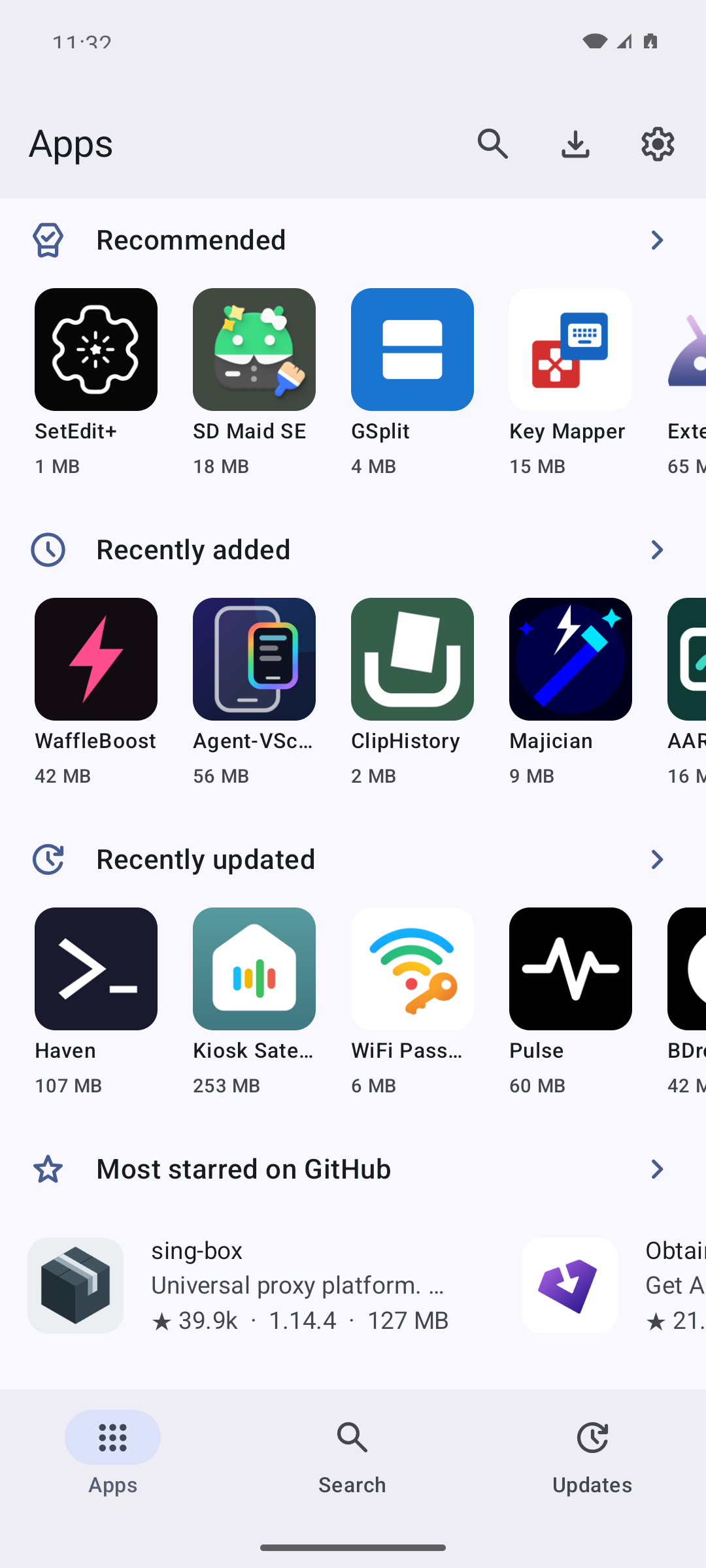
ShizuStore is an open-source catalogue of Shizuku applications based on the Awesome Shizuku list. Its project says downloads come from upstream projects rather than APKs hosted by the catalogue. Check the source and release notes for each app before installing it.
- Start Shizuku and verify its status is running.
- Download ShizuStore from its official project page. Open the APK and allow the browser or file manager to install unknown apps if Android asks.
- Open ShizuStore, browse or search for an app, and read its description, source and release information. Follow its installation prompts.
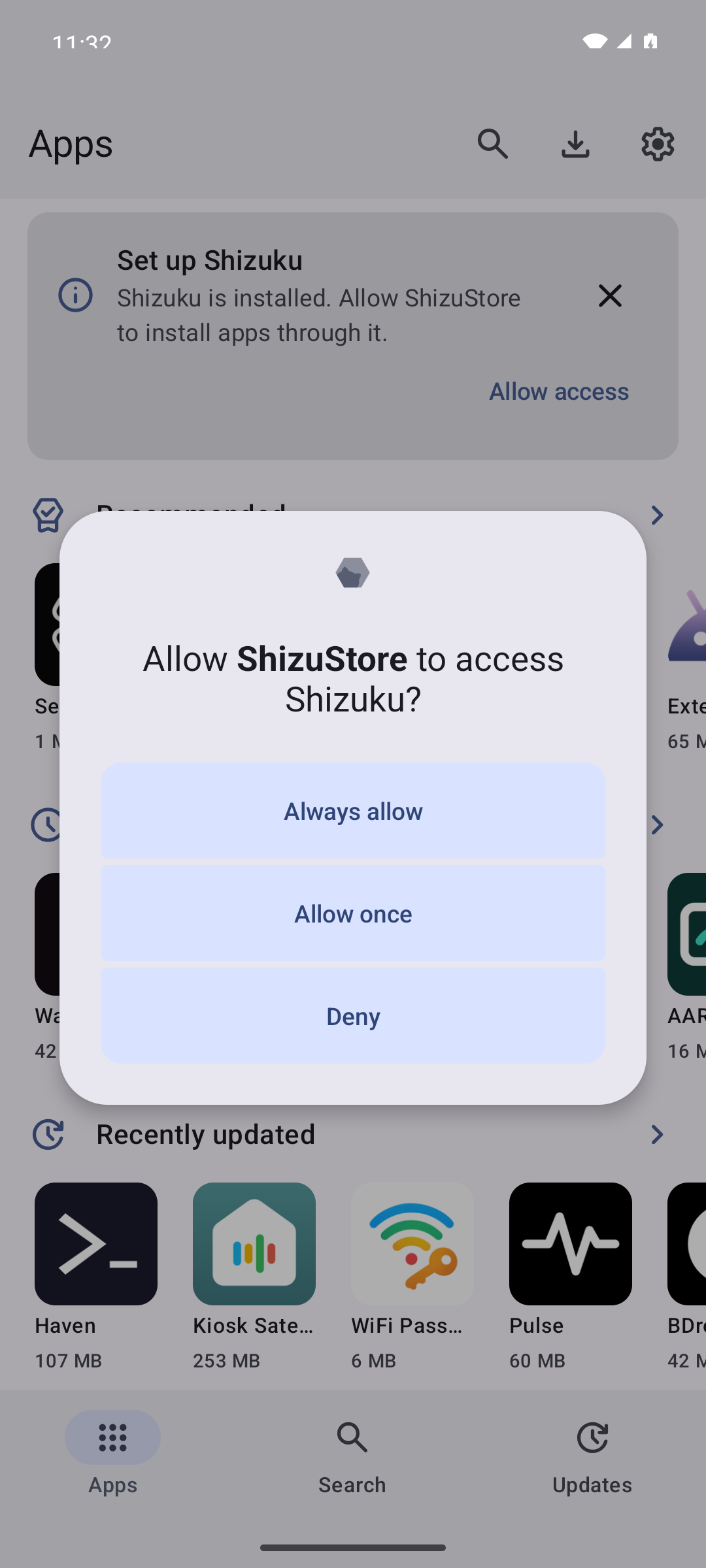
- When ShizuStore or an installed app asks for Shizuku access, decide whether to authorize that specific app. An application's capabilities and behavior belong to that project, not to DriveDeck.
- To remove an authorization later, open Shizuku's list of authorized applications and change that app's access.
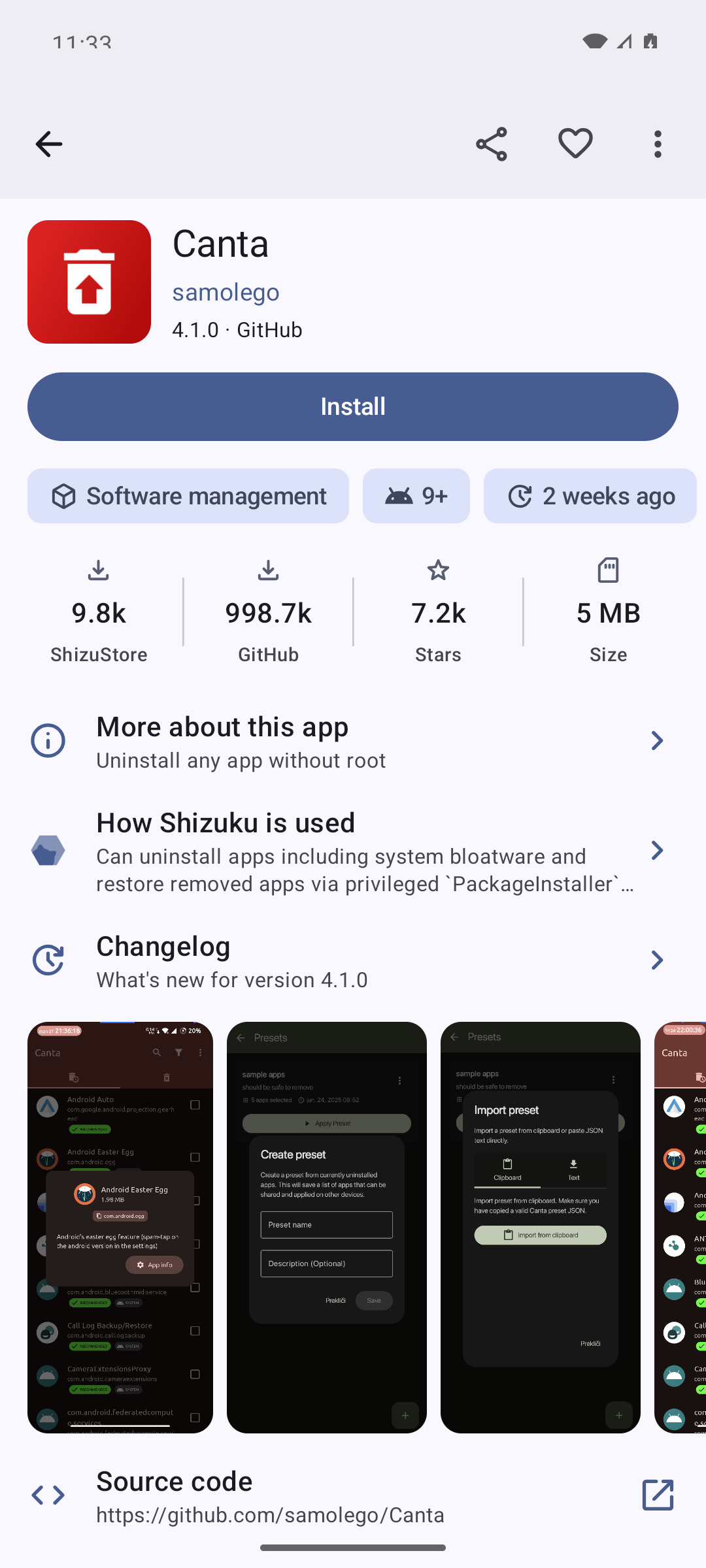
Android may still show installation confirmations depending on the installer, device and version. Shizuku authorization does not make an unknown APK trustworthy. Start with Canta for an example, or use the Awesome Shizuku catalogue to explore further.
For tracking releases directly from project pages, see Obtainium.