What patched apps can add
Some Android apps expose limited car functionality, or none at all. A compatible patch can change how a particular app advertises or presents its own features to a car host. DriveDeck can use the resulting app where its host and the patched app support the same behavior.
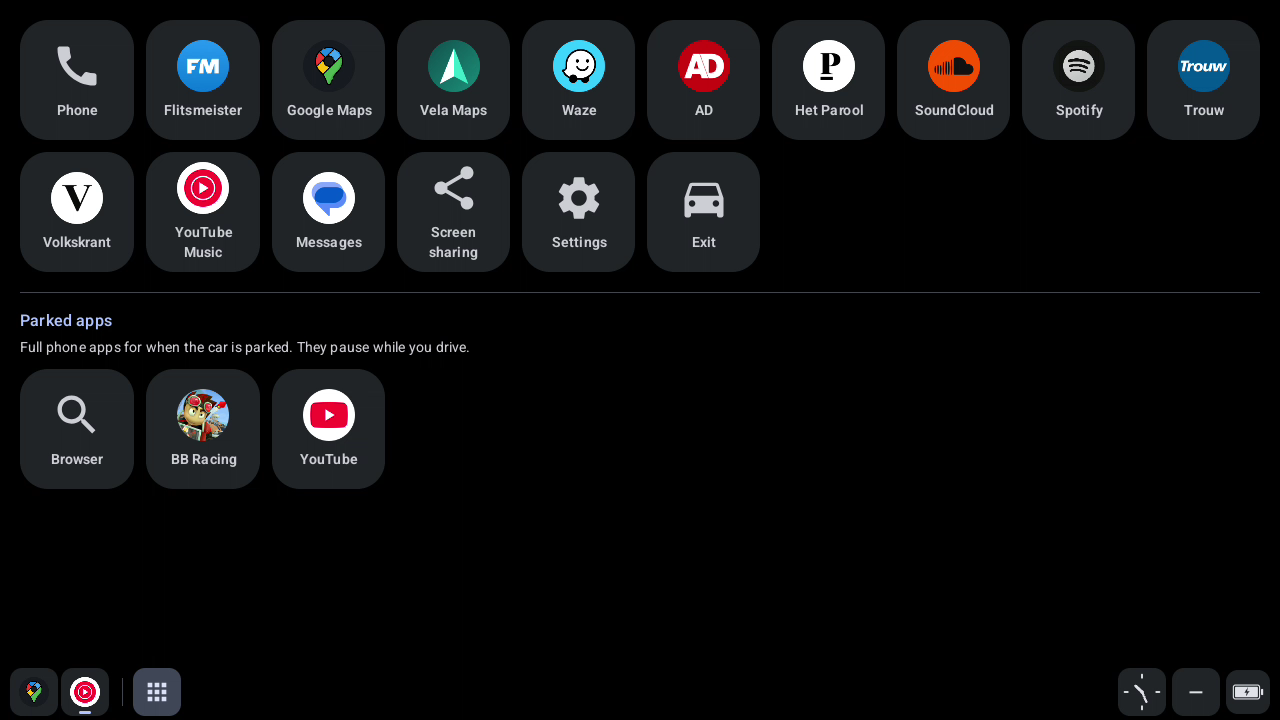
The nl-morphe-patches project documents supported app versions, individual patches, installation and limitations. Patch compatibility can change with an app update. Patching an app does not grant account entitlements or guarantee compatibility with every phone and head unit.
Choose a use case
- Music and spoken news: SoundCloud Home and its published queue, and ordered newspaper audio feeds.
- Navigation and keyboard: navigation data sharing and Gboard voice-typing choices.
- Parked apps: use supported video apps, games and the browser on DriveDeck's hosted display.
Find a patch for an app
These examples link to the patch project's app-specific instructions. An app may require several patches, and the exact options and supported input versions belong to those pages. Availability of a patch does not establish that every feature has been tested in DriveDeck.
| Goal | Examples | What the patch can change |
|---|---|---|
| Browse a music library | YouTube Music, Myspoti, Deezer | Makes compatible car browsing or host access available; library contents and playback still come from the app. |
| Use a music app's existing car browser | Apple Music, TIDAL, SoundCloud | Changes host admission or car browsing where the relevant patch supports it. SoundCloud also has its own Home and queue patch. |
| Show a video app or game on the launcher | YouTube, Beach Buggy Racing, Candy Crush Soda Saga | Adds parked-app discovery; YouTube also offers car-display layout options. Display and protected-content behavior still depend on the app and device. |
| Use an existing car interface | EasyPark, Zoom | Changes which hosts can connect to the app's car interface. The host must support the app's templates and API requirements; account and service requirements remain. |
An app that already works with DriveDeck does not necessarily need a patch. For a patched app, compare the patch page's supported version, patch selections and signing instructions with the installed app before applying an update. See the media use cases for SoundCloud and newspaper feeds, and navigation and keyboard for alert sharing and Gboard options.
Follow the patch project's installation guide for the exact app and version. A re-signed APK may conflict with an existing installation or update path; understand the signing and data implications before removing anything. Some patches also work with Google's Android Auto, whose installation and launcher requirements are separate from DriveDeck's.