Keep apps updated with Obtainium
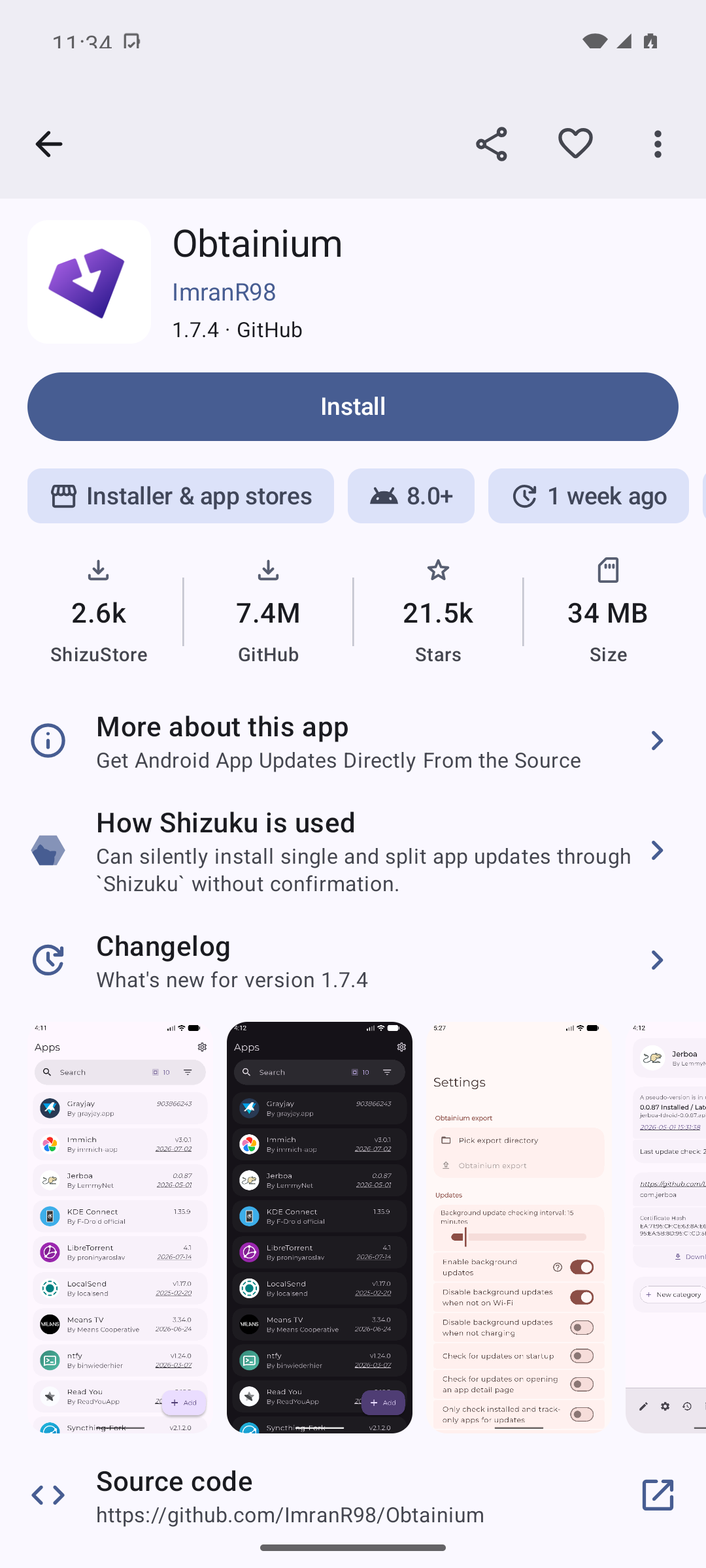
Obtainium tracks app releases from supported sources and helps you install updates directly from those sources. ShizuStore is useful for discovering Shizuku apps; Obtainium lets you add a supported upstream project URL and follow its releases. Both have their own settings and update policies.
Add a project
- Install Obtainium from its official releases or review its listing in ShizuStore.
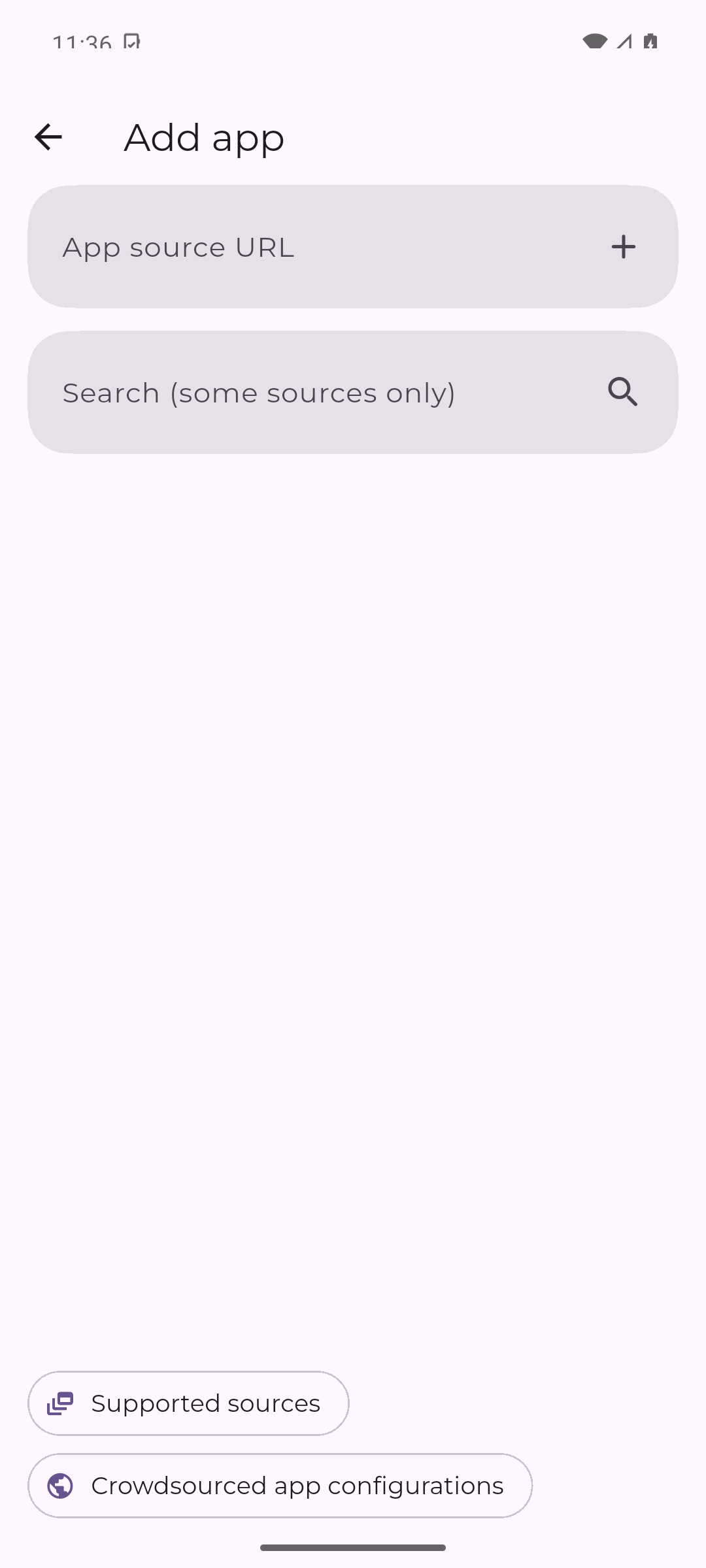
- Open Add and enter the app's official project URL. For DriveDeck, use
https://gitlab.com/johninnld/drivedeck. - Review the detected source, release and APK selection options, then add the project. Obtainium can check supported sources and show available updates; network access and source availability affect the result.
- Choose the installation method in Obtainium. Its Shizuku option can install supported updates through an authorized running service; the ordinary Android installer may show a confirmation.
Select the correct release channel and APK for your device, and check release notes before updating. Android requires an update to have a compatible package identity and signing certificate. A patched or differently signed app cannot necessarily be updated with an upstream APK; do not uninstall an existing app merely to bypass a signing conflict without preserving its data.
The emulator capture shows Obtainium 1.7.4 recognizing the DriveDeck URL as a GitLab source. The release lookup did not complete during this capture session, so it does not establish that DriveDeck updates were successfully detected or installed by Obtainium.