Driving rules and passenger use
Parked apps come with a driving rule for each app, and passenger use is available by default: a passenger can keep watching, playing or browsing while the car moves. You decide, app by app, what stays on.
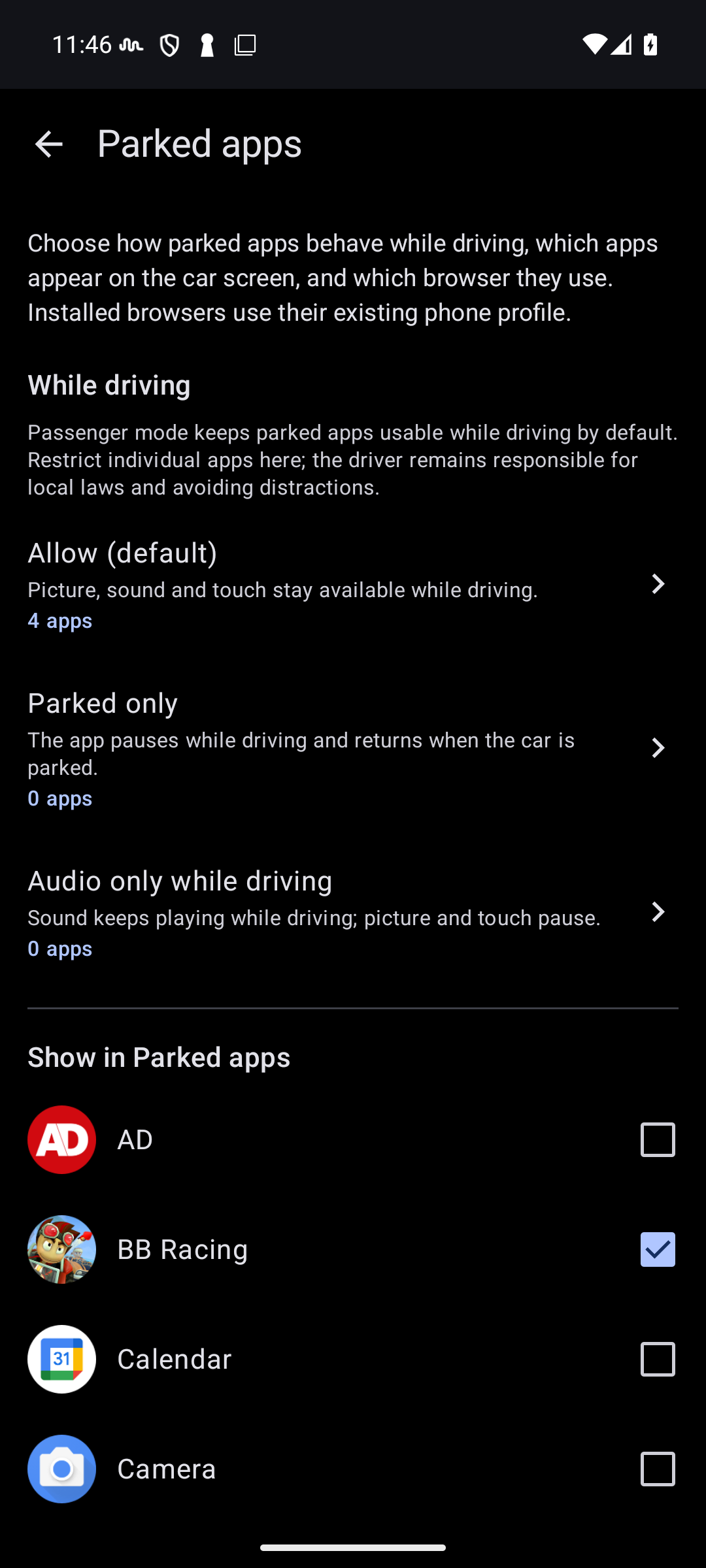
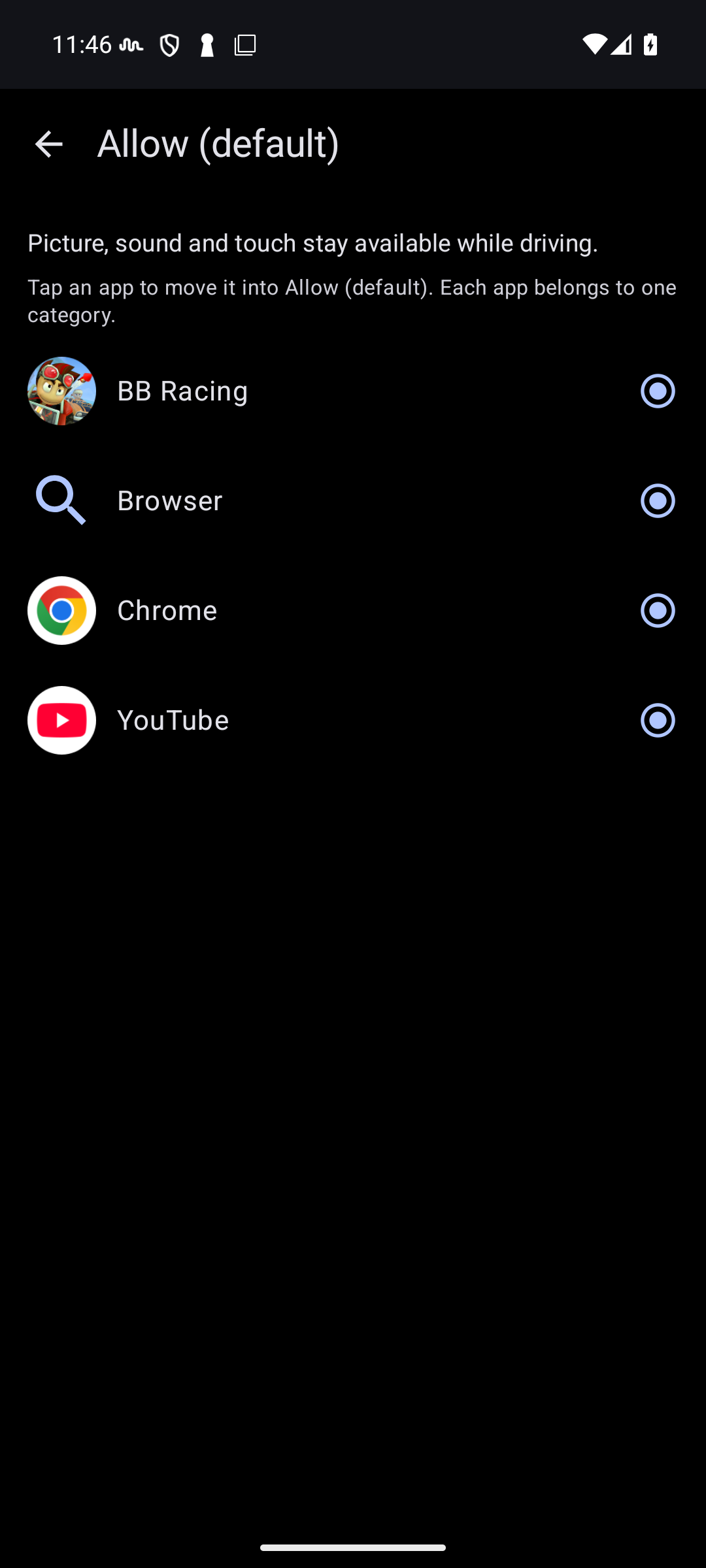
When the car starts moving, stock Android Auto blanks parked apps. DriveDeck keeps them usable: picture, sound and touch stay available while driving, for the passenger's benefit. This is the documented default. It is meant for the passenger. The driver remains responsible for complying with local laws and for keeping their attention on the road.
You can still restrict an app yourself: choose parked-only or audio-only while driving. These restrictions are set on the phone under Car → Parked apps → While driving: each app belongs to Allow (default), Parked only or Audio only while driving, and choosing one category moves the app out of the other. Existing custom rules, if present, appear under Custom rules; picking a category for an app replaces its custom rule. The browser's detailed screen-use editor is not reachable in the current published build.
Passenger use changes what is shown, not what is safe: guest apps are suspended without a car connection, protected surfaces stay on the phone, audio-capture refusals are honored, and no vehicle data ever reaches a hosted app.